
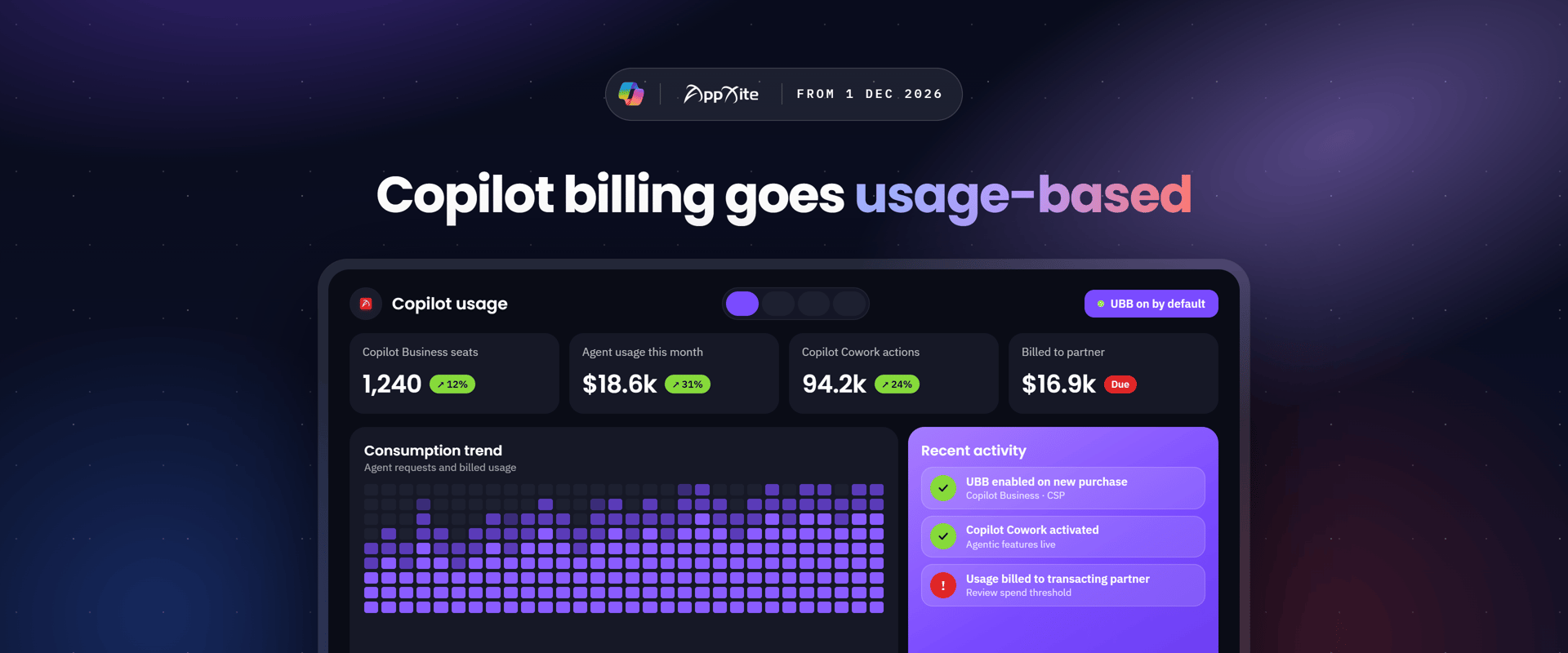
From December 1, 2026, every new Microsoft 365 Copilot Business purchase through CSP switches on usage-based billing (UBB) by default. Customers get instant access to agentic features like Copilot Cowork. Partners get a new consumption revenue stream, and a new responsibility: the transacting partner is billed for that usage.
This article explains what is changing, what it means for your business, and how to set your customers up so usage grows without surprise invoices.
What's changing
Copilot now has two bills: a seat license for everyday AI, and usage-based billing for agentic work, paid in Copilot Credits.
|
User subscription license (USL) |
Usage-based billing (UBB) |
|
|---|---|---|
|
What it covers |
Everyday AI: Copilot Chat, Copilot in Word, Excel, PowerPoint, Outlook and Teams, Researcher and Analyst agents |
Agentic AI: Copilot Cowork, Work IQ APIs, GitHub Copilot harness, advanced Copilot in SharePoint, Frontier offers (Code, Autopilot) |
|
Price |
$21 per user per month (Copilot Business standalone), or about +$10 per user to step up to Business Standard/Premium with Copilot |
$0.01 per Copilot Credit, pay-as-you-go |
|
Cost behaviour |
Fixed per seat |
Varies with the work AI performs |
What happens on December 1, 2026
- UBB turns on at purchase. Any new Copilot Business subscription, added seats, upgrade to a Copilot Business SKU, or subscription transfer to a new partner enables UBB on the tenant.
- Azure is set up for you. If the customer has no Azure subscription, Partner Center creates an Azure plan, subscription, resource group and a default spending policy. If one exists, you can choose it at purchase.
- A default cap applies. The spending policy is capped at 4,000 Copilot Credits (about $40) per user per month. A 100-user customer can consume up to 400,000 credits (about $4,000) a month. The cap does not reset or expire; it stays until an admin changes it.
- Users can use Cowork right away once they have a Copilot Business license.
- Existing Microsoft 365 Copilot customers are affected too. Buying Copilot Business deploys usage billing across all their Microsoft 365 Copilot subscriptions.
Which SKUs
- Microsoft 365 Copilot Business
- Microsoft 365 Business Premium with Copilot
- Microsoft 365 Business Standard with Copilot
- Microsoft 365 Business Basic + Microsoft 365 Copilot Business
Where it applies
Rollout starts in supported markets. It is not initially available in Australia, Belgium, Brazil, France, Germany, India, Italy, Korea, the Netherlands, Poland and Spain.
What a spending policy is, and isn't
A spending policy is a governance control, not free credits. Every credit used under it is billed, at month-end, on the CSP invoice.
What it means for distributors and resellers
The biggest shift is financial: the transacting partner that receives the Microsoft bill is liable for all usage charges, including any overage, in both direct and indirect CSP.
Responsibilities
- Distributors and direct-bill partners transact in Partner Center and are billed by Microsoft. Consumption charges flow through the existing CSP invoice, monthly in arrears.
- Indirect resellers don't transact in Partner Center, but own the customer relationship. They need to agree with their distributor who sets, monitors and adjusts each customer's spending policy, and how usage is re-billed.
- Customers can't raise their own limits without partner permission. By default, the policy tied to the Azure subscription defines what the partner is charged for.
- No bulk switch exists. Spending policies are managed tenant by tenant, in Partner Center, the Microsoft 365 admin center, or via the new Partner Center API.
Processes and systems
- Purchasing doesn't change. Create a cart, add the SKU, check out. The new artifacts are provisioned automatically.
- APIs are optional at first. A new catalog property flags SKUs that enable UBB, and a new API edits spending policies. Partners who need 3 to 6 months to integrate can use the Partner Center portal meanwhile.
- Sandbox testing is available from November 2, 2026.
- Auto-created Azure subscriptions aren't labelled. Find them through the spending plan details, which list the linked subscription and resource group.
The opportunity
UBB adds a third revenue stream on top of seats and services.
|
Revenue stream |
What drives it |
Examples |
|---|---|---|
|
License |
Seats, grows with users |
Copilot Business seats, CSP margin and incentives |
|
Services |
Advisory and managed services |
AI strategy and cost estimation, security and data permissions, FinOps management of credit spend |
|
Usage |
Grows with the work AI does |
Cowork, Work IQ API agents, GitHub Copilot harness, Dynamics 365 and Power Platform AI, Frontier offers |
Incentives that apply to usage:
- Partner Earned Credit (PEC) applies to pay-as-you-go and prepaid credits for direct-bill partners and distributors.
- CSP transactional incentives of 3% (Core) or 10% (Growth) on partner purchase price, for direct, indirect resellers and distributors.
- Cowork Activation Incentive: $50 per user, one-time, when 50 to 250 users average $50 of Cowork use each for 3 months. Up to $12,500 per customer at 250 users. No minimum paid consumption is required to qualify.
Tips and tricks to navigate the change
Before December 1
- List affected customers. Flag every tenant likely to buy, add or upgrade Copilot Business seats, or move to you from another partner, from December onward.
- Decide your default stance per customer. Keep the 4,000-credit cap, lower it, or set it to zero. Setting the spending limit to zero disables UBB entirely.
- Update your terms. Make sure reseller and customer agreements cover consumption charges, re-billing and who approves limit increases. You carry the liability, so the contract should pass it through.
- Agree roles in the channel. Distributors and resellers should settle who configures policies, who watches usage and who answers customer billing questions.
- Test in the sandbox (open since November 2) if you automate provisioning or billing.
At purchase
- Pick the right Azure subscription. If the customer already has one, select it so usage lands where finance expects it. You can move it later by editing the spending policy.
- Avoid duplicate subscriptions. If a spending policy already exists, a new seat purchase only adds the license.
- Tell the customer what's now switched on, including that Cowork is available immediately to licensed users.
After purchase: govern spend
- Right-size limits. Use policy-level limits by user, team or tenant, plus per-user caps. Start low and give heavy users more.
- Turn on alerts for admins and users before thresholds are hit.
- Hide what isn't wanted. Admins can switch off discovery of Cowork and other UBB experiences, or turn off individual models.
- Review usage monthly. The Microsoft 365 admin center Cost Management overview refreshes every 4 hours. Users can type /cost in Cowork to see what a task used.
- Set an approval route. Users who hit their limit can request more from the app; agree upfront who approves.
- Automate at scale. There is no bulk setting across customers, so script policy changes with the Partner Center API if you manage many tenants.
Size the spend with customers
- Use real examples. Microsoft's illustration of an account manager in a 40-person firm running weekly meeting prep, inbox triage, pipeline reviews, two RFP responses and a pitch deck comes to about $39.70 a month, just under the default cap.
- Estimate by persona. Group users, estimate light, medium and heavy prompts per persona, then apply an average cost per prompt. The Copilot Credit Estimator does this for Cowork and GitHub Copilot harness.
- Offer prepaid credits for predictable users. The Copilot Credit Pre-Purchase Plan (P3) is a one-year upfront pool with discounts from 5% (300,000 credits) to 20% (300 million credits). Unused credits expire at term end; overage falls back to pay-as-you-go.
- Keep pay-as-you-go for pilots and seasonal or uncertain use.
Turn it into revenue
- Sell FinOps as a service: limit setting, monthly usage reviews and cost reports.
- Pair Cowork pilots with the Activation Incentive. Aim for at least 50 active users averaging $50 a month for 3 months.
- Use Microsoft's ASPX signals (Copilot Opportunities tab) to find customers ready to convert from free Chat, expand seats, or start usage billing.
- Lead with value, not the meter. Position the seat license as fixed-price everyday AI and UBB as paying only when agents do real work.
Quick answers
|
Question |
Answer |
|---|---|
|
Does the 4,000-credit cap include free credits? |
No. It's a limit, not an allowance. All usage is billed. |
|
Can usage go above the cap? |
Only if an admin raises the spending policy. |
|
Does the cap renew each month? |
It stays in place until changed. Usage is measured per month. |
|
Can the customer opt out of UBB but keep Copilot? |
Yes. Set the spending limit to zero, create no UBB spending policies, and hide Cowork in the admin center. |
|
Will existing cost policies still apply? |
Yes, existing user, group and tenant policies stay as they are. |
|
Who pays if a customer overspends? |
The transacting partner that receives the Microsoft bill. |
|
Do I need to change my APIs to keep buying? |
No. Purchases work as today; the new APIs are optional. |
|
Is there a difference between direct and indirect CSP? |
No provisioning difference. Distributors and direct-bill partners transact; indirect resellers don't. |
|
How are billing disputes handled? |
Through existing escalation procedures. |
Next steps
UBB default-on removes setup friction and opens a recurring usage revenue line, as long as every customer has the right guardrails from day one.
- Review your Copilot Business pipeline for purchases after December 1
- Set your default spending policy approach and update customer terms
- Brief your sales team on the two-bill model and the Cowork value story
- Plan a governance check-in with each new Copilot Business customer
Need help configuring spending policies or planning a Cowork rollout? Contact your account manager, and we'll walk you through it.
